

Confluence Google Drive Integration
Create a single source of truth with seamless syncing and real-time collaboration.
Read more


_2026-03-26_20-48-42-1.png?length=720&name=untitled_Gemini%203%20(Nano%20Banana%20Pro)_2026-03-26_20-48-42-1.png)























Scattered specs across drives, wikis, and tools
Outdated attachments with no version control
Feedback lost in chat and email threads
No single source of truth for developers
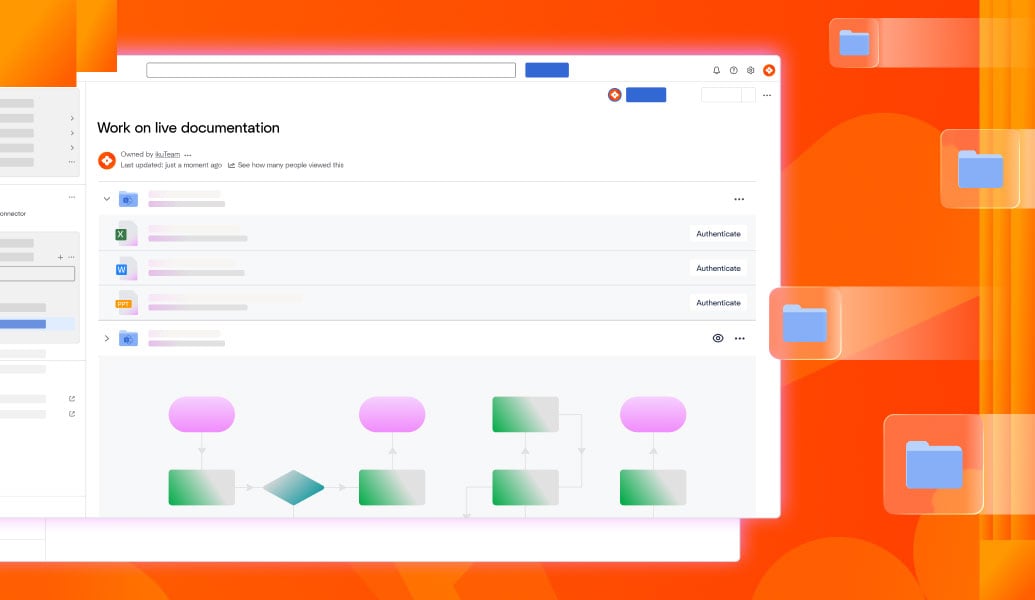
Documentation visible directly in Jira issues and Confluence pages
One live version shared across teams
No downloads, copies, or duplicate files
Linked to Jira issues, sprints, and releases
Reviews and feedback inside Confluence and Jira
Less tool switching across teams

Scattered specs across drives, wikis, and tools
Outdated attachments with no version control
Feedback lost in chat and email threads
No single source of truth for developers

Documentation visible directly in Jira issues and Confluence pages
One live version shared across teams
No downloads, copies, or duplicate files
Linked to Jira issues, sprints, and releases
Reviews and feedback inside Confluence and Jira
Less tool switching across teams

Embed and work with SharePoint and OneDrive files directly inside Jira. Keep documentation live, accessible, and always up to date across teams.
Learn more
Automate how attachments move, sync, and update across Jira issues and projects. Ensure documentation follows your delivery workflows with clear rules and no manual steps.
Learn more
Connect SharePoint, OneDrive, Google Drive, Box, or Dropbox. Work with documentation files without uploading or duplicating them, while keeping permissions and versions in sync.
Learn more
Connect Confluence and SharePoint to stop version chaos. Edit Word, Excel, and PowerPoint in Microsoft 365 directly from Confluence with one source of truth.
Read guide
Integrate Jira with SharePoint using ikuTeam’s connector. Sync files, automate folders, and simplify collaboration in Jira Cloud and Data Center.
Read guide
Build a smarter document management system in Confluence. Connect cloud storage, edit Office files on the page, and speed reviews with AI summaries.
Read guide
_2026-03-26_20-48-42-1.png?length=960&name=untitled_Gemini%203%20(Nano%20Banana%20Pro)_2026-03-26_20-48-42-1.png)


