

Confluence Google Drive Integration
Create a single source of truth with seamless syncing and real-time collaboration.
Read more


_2026-03-26_20-48-42-1.png?length=720&name=untitled_Gemini%203%20(Nano%20Banana%20Pro)_2026-03-26_20-48-42-1.png)






















Spreadsheets in Confluence live outside the page
Teams insert Excel into Confluence as attachments, then download and reupload
Previews are not editable spreadsheets
Data becomes outdated across copies
There is no single source of truth
Work on live Excel in Confluence, not on copies
Edit a real spreadsheet in Confluence, not a preview
Keep one always-current version per page
See your data where your documentation lives
Use Excel formulas in Confluence for calculations and analysis
Create pivot tables in Confluence to summarize and explore data
Build charts in Confluence to visualize results
In Confluence pages
Rely on version history and permissions for control and traceability
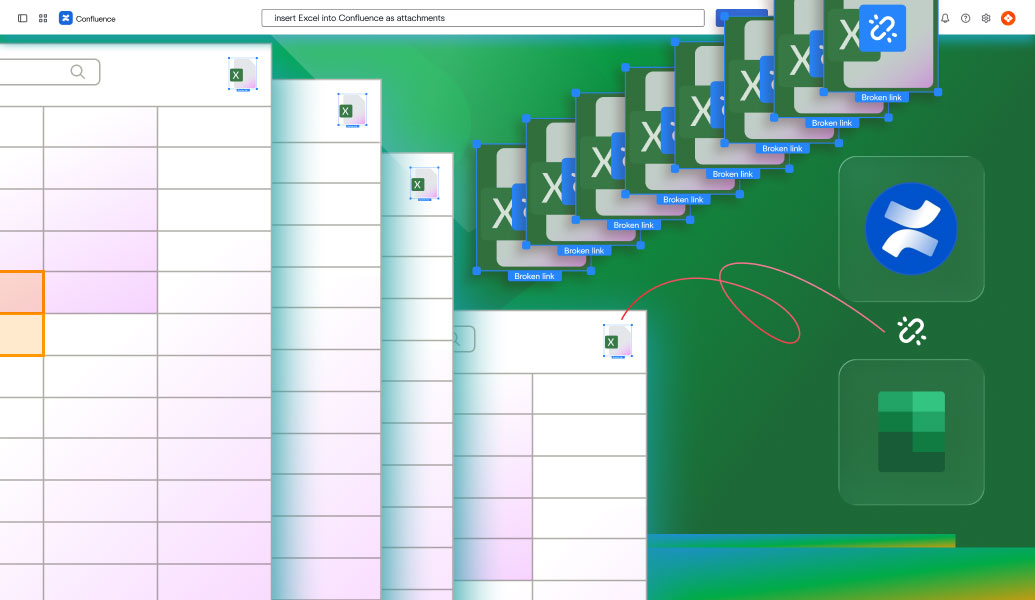
Spreadsheets in Confluence live outside the page
Teams insert Excel into Confluence as attachments, then download and reupload
Previews are not editable spreadsheets
Data becomes outdated across copies
There is no single source of truth

Work on live Excel in Confluence, not on copies
Edit a real spreadsheet in Confluence, not a preview
Keep one always-current version per page
See your data where your documentation lives
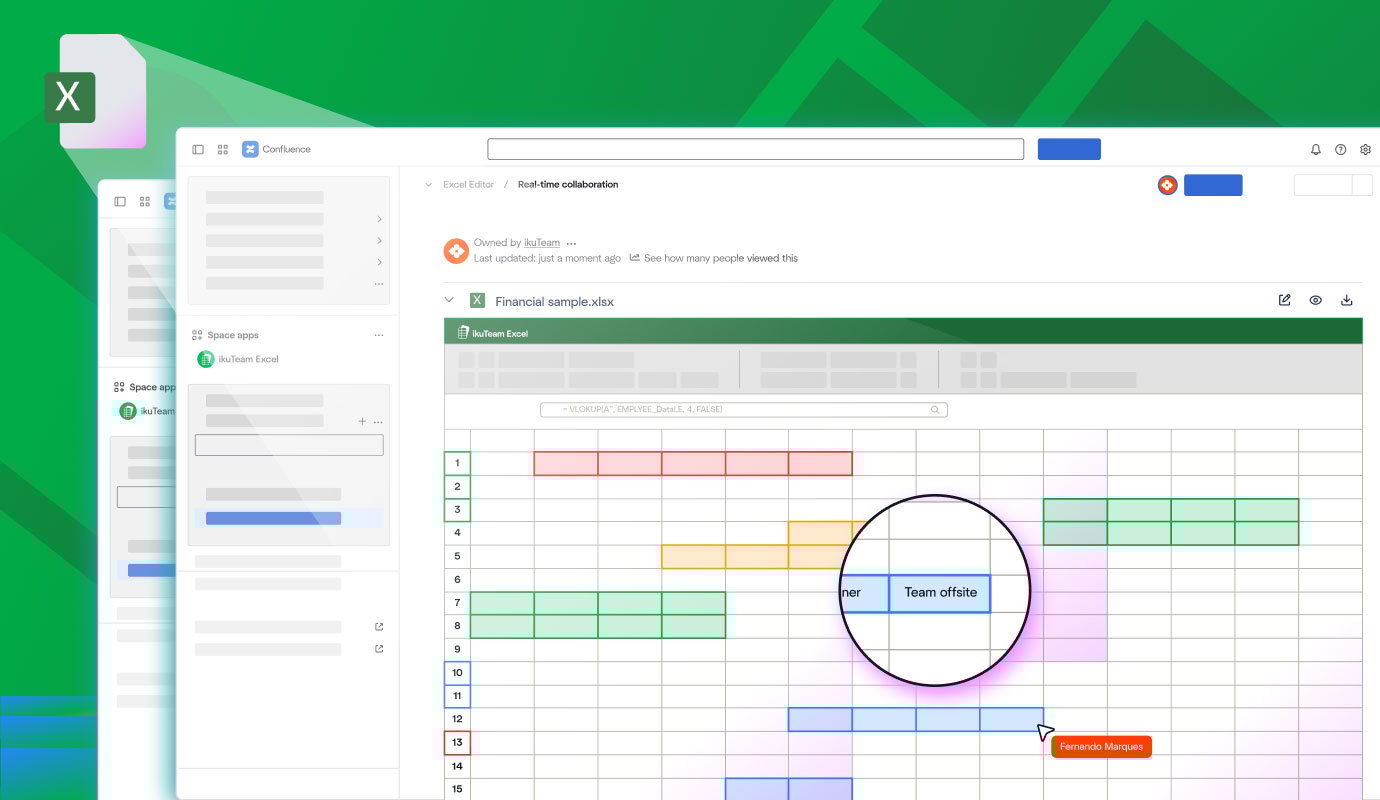
Use Excel formulas in Confluence for calculations and analysis
Create pivot tables in Confluence to summarize and explore data
Build charts in Confluence to visualize results
In Confluence pages
Rely on version history and permissions for control and traceability
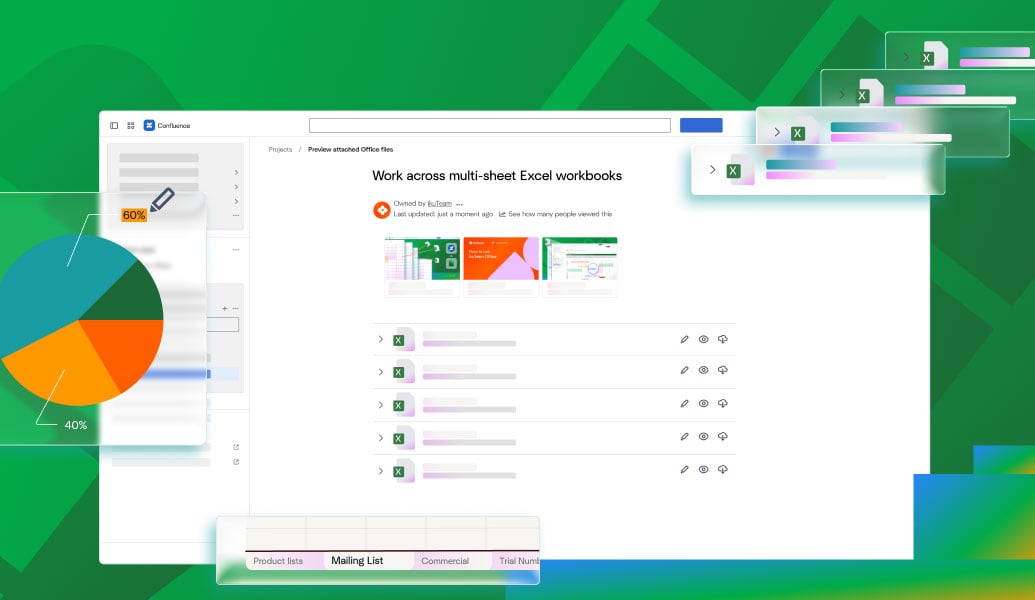
Embed and edit Excel files attached directly to Confluence pages.
Explore app
Work with Microsoft 365 Excel files in Confluence without moving or copying them.
Explore app
Connect SharePoint, OneDrive, Google Drive, Box, Dropbox, and Egnyte, and embed files inside Confluence pages.
Explore app
Learn how to embed Excel in Confluence with previews, interactive tables, and real editing. Improve collaboration and keep data accurate.
Read guide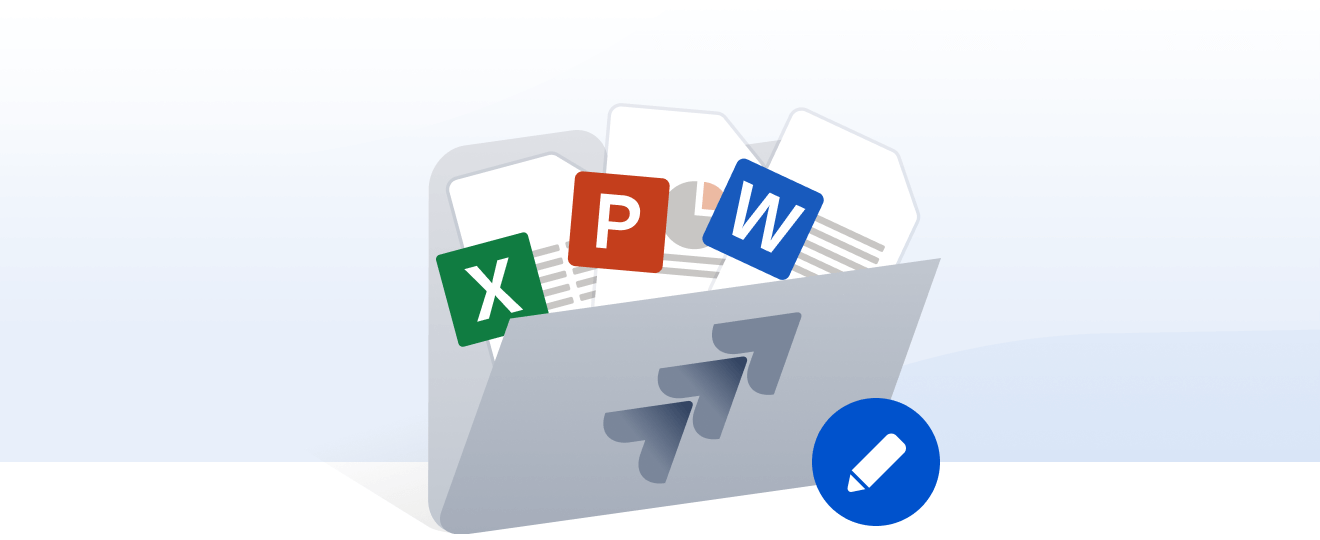
Edit Word, Excel, and PowerPoint directly in Confluence. No downloads or duplicates. Real-time co-editing with one always up-to-date version.
Read guide
Learn how to attach, manage, and edit files in Confluence, fix common issues, and use ikuTeam Files to work with SharePoint or Google Drive securely.
Read guide
_2026-03-26_20-48-42-1.png?length=960&name=untitled_Gemini%203%20(Nano%20Banana%20Pro)_2026-03-26_20-48-42-1.png)


