

Confluence Google Drive Integration
Create a single source of truth with seamless syncing and real-time collaboration.
Read more


_2026-03-26_20-48-42-1.png?length=720&name=untitled_Gemini%203%20(Nano%20Banana%20Pro)_2026-03-26_20-48-42-1.png)























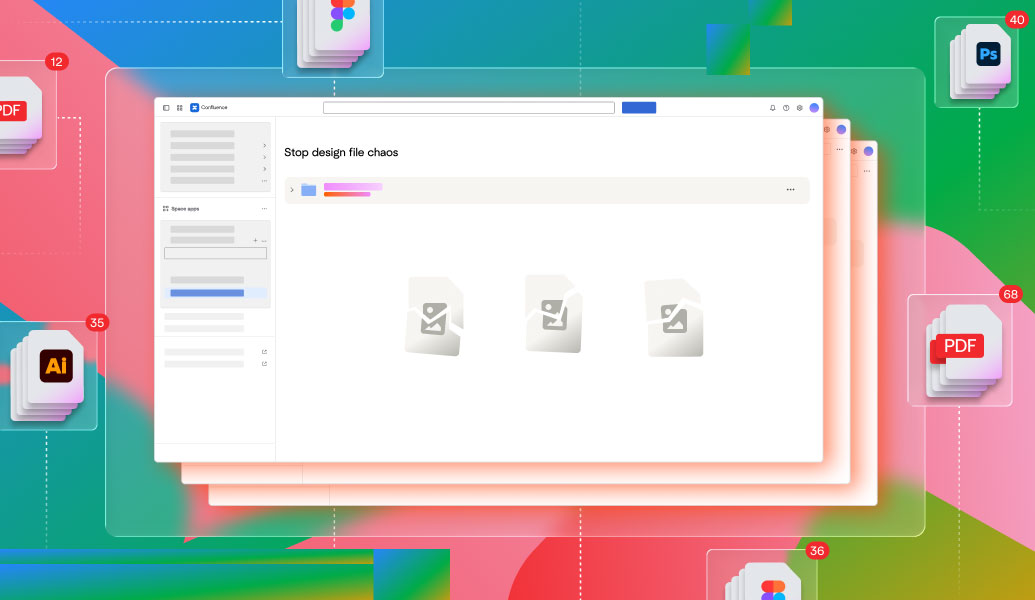
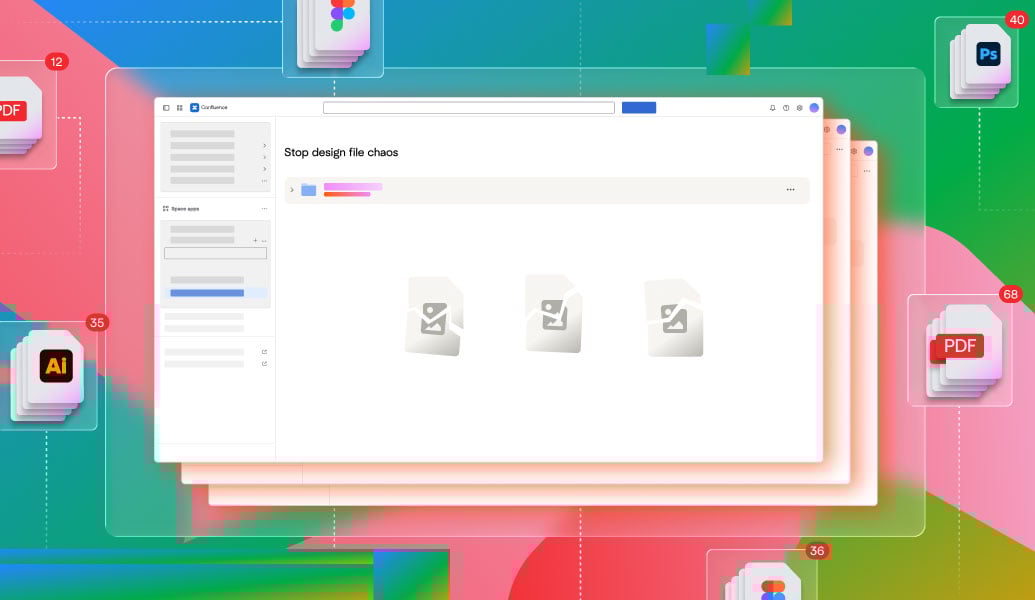
Design files scattered across tools
Duplicate versions and lost feedback
No approval visibilityBroken design handoffs
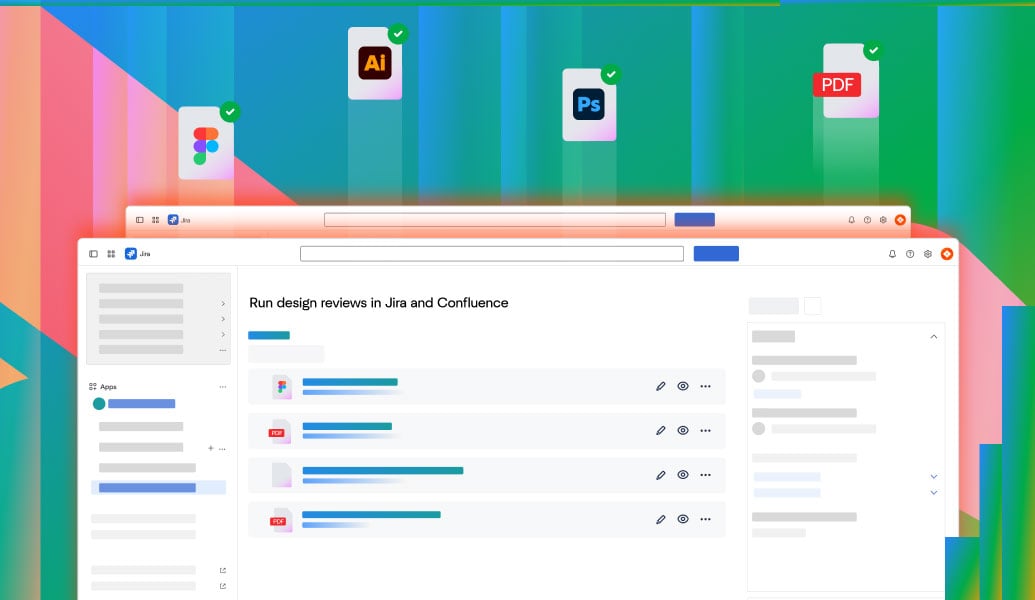
Reviews in context across Jira and Confluence
One live version shared across teams
No downloads or copies
Linked to Jira tickets and releases
Stakeholders always aligned
Faster handoffs
Design files scattered across tools
Duplicate versions and lost feedback
No approval visibilityBroken design handoffs
Reviews in context across Jira and Confluence
One live version shared across teams
No downloads or copies
Linked to Jira tickets and releases
Stakeholders always aligned
Faster handoffs
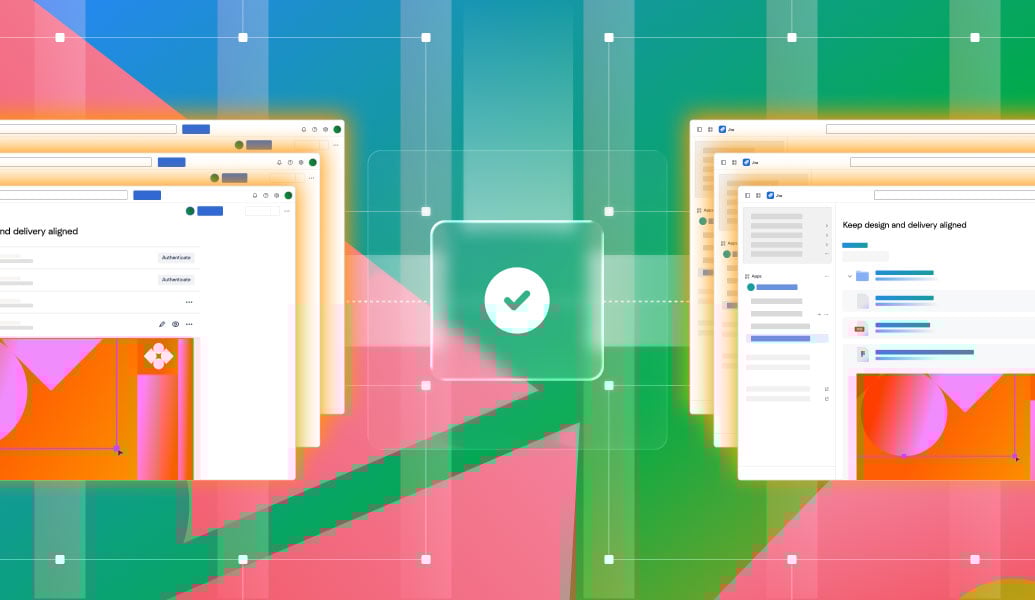
Connect design files from tools like Google Drive, SharePoint, Box, or Dropbox. Work with live files in Confluence without uploading or duplicating content, while keeping permissions and versions in sync.
Explore app
Embed and work with Google Docs, Slides, and Drive files directly inside Confluence. Keep designs live, accessible, and always up to date across teams.
Explore app
Review, annotate, and approve final design documents directly where work happens. Run structured approval workflows and support clean handoffs.
Explore app
Build a smarter document management system in Confluence. Connect cloud storage, edit Office files on the page, and speed reviews with AI summaries.
Read guide
Connect Confluence and Google Drive to keep one live version of every document. View, edit, and collaborate without duplicates or re-uploading.
Read guide
Struggling with Jira and Confluence file storage limits? See how Team Files helps you manage, link, and collaborate on files without running out of space.
Read guide
_2026-03-26_20-48-42-1.png?length=960&name=untitled_Gemini%203%20(Nano%20Banana%20Pro)_2026-03-26_20-48-42-1.png)


