

Confluence Google Drive Integration
Create a single source of truth with seamless syncing and real-time collaboration.
Read more


_2026-03-26_20-48-42-1.png?length=720&name=untitled_Gemini%203%20(Nano%20Banana%20Pro)_2026-03-26_20-48-42-1.png)






















Files live in SharePoint, while the work happens in Jira
Teams download, re-upload, and lose track of the right version
Permissions drift between systems
Links break as files move or change
There is no single source of truth
Reference SharePoint files directly inside Jira issues
Keep one trusted version in Microsoft 365
See files where the work actually happens
Reduce duplication and manual syncing
Files remain in SharePoint as the system of record
Jira can reference external documents instead of storing copies
Permissions can stay aligned across both systems
Updates remain tied to the original source
Teams work from the same file, not multiple versions
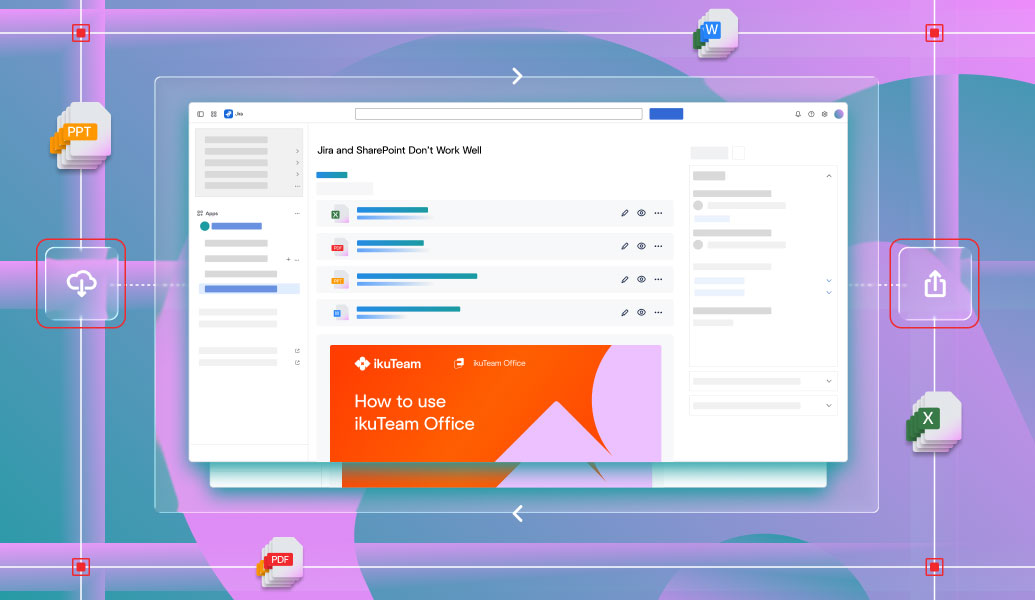
Files live in SharePoint, while the work happens in Jira
Teams download, re-upload, and lose track of the right version
Permissions drift between systems
Links break as files move or change
There is no single source of truth
Reference SharePoint files directly inside Jira issues
Keep one trusted version in Microsoft 365
See files where the work actually happens
Reduce duplication and manual syncing
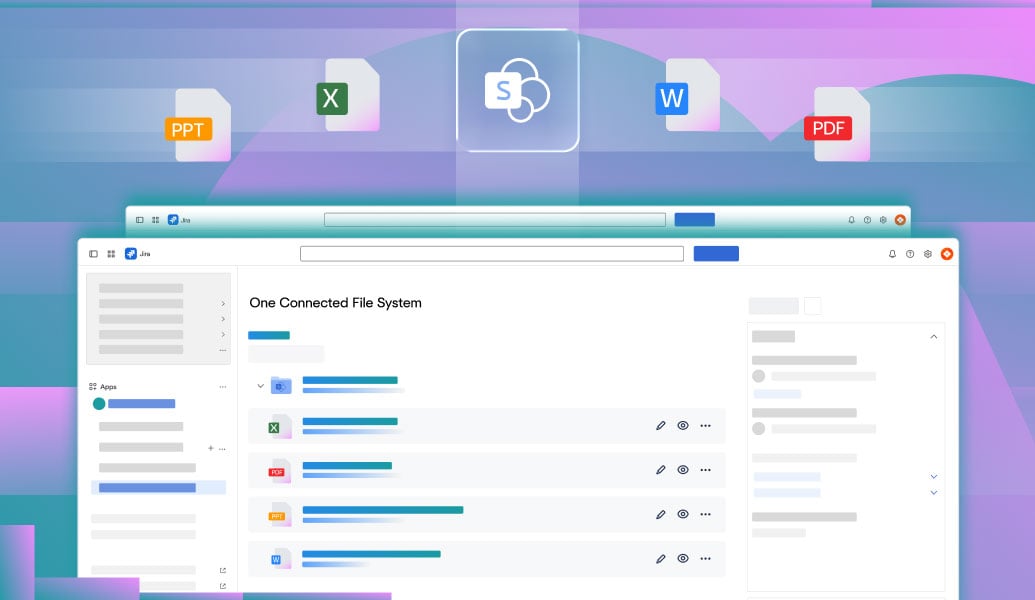
Files remain in SharePoint as the system of record
Jira can reference external documents instead of storing copies
Permissions can stay aligned across both systems
Updates remain tied to the original source
Teams work from the same file, not multiple versions

Embed files and document libraries from SharePoint and OneDrive directly in Jira issues, with permissions in sync.
Learn more
Embed the same SharePoint files in Confluence pages to keep documentation and delivery connected.
Learn more
Integrate Jira with SharePoint using ikuTeam’s connector. Sync files, automate folders, and simplify collaboration in Jira Cloud and Data Center.
Read guide%201%20(1).jpg)
Learn five proven document management strategies for Jira and Confluence teams to improve collaboration, compliance, and productivity.
Read guide
Enhance your single source of truth in Jira and Confluence with Team Files. Add tags, link to original storage, and keep documents in full context.
Read guide
_2026-03-26_20-48-42-1.png?length=960&name=untitled_Gemini%203%20(Nano%20Banana%20Pro)_2026-03-26_20-48-42-1.png)


